CRM Consultant: Stage by Stage Through a Real Implementation
What a CRM consultant does in a real implementation, stage by stage: audit counts, migration numbers, mistakes and rate ranges to compare quotes against.
By Carlos Familia, CRM & AI automation expert. Updated . 6 min.
A mortgage brokerage in Florida inherited a GoHighLevel account from its previous agency. The owner wanted it organized, documented and reusable for other businesses.
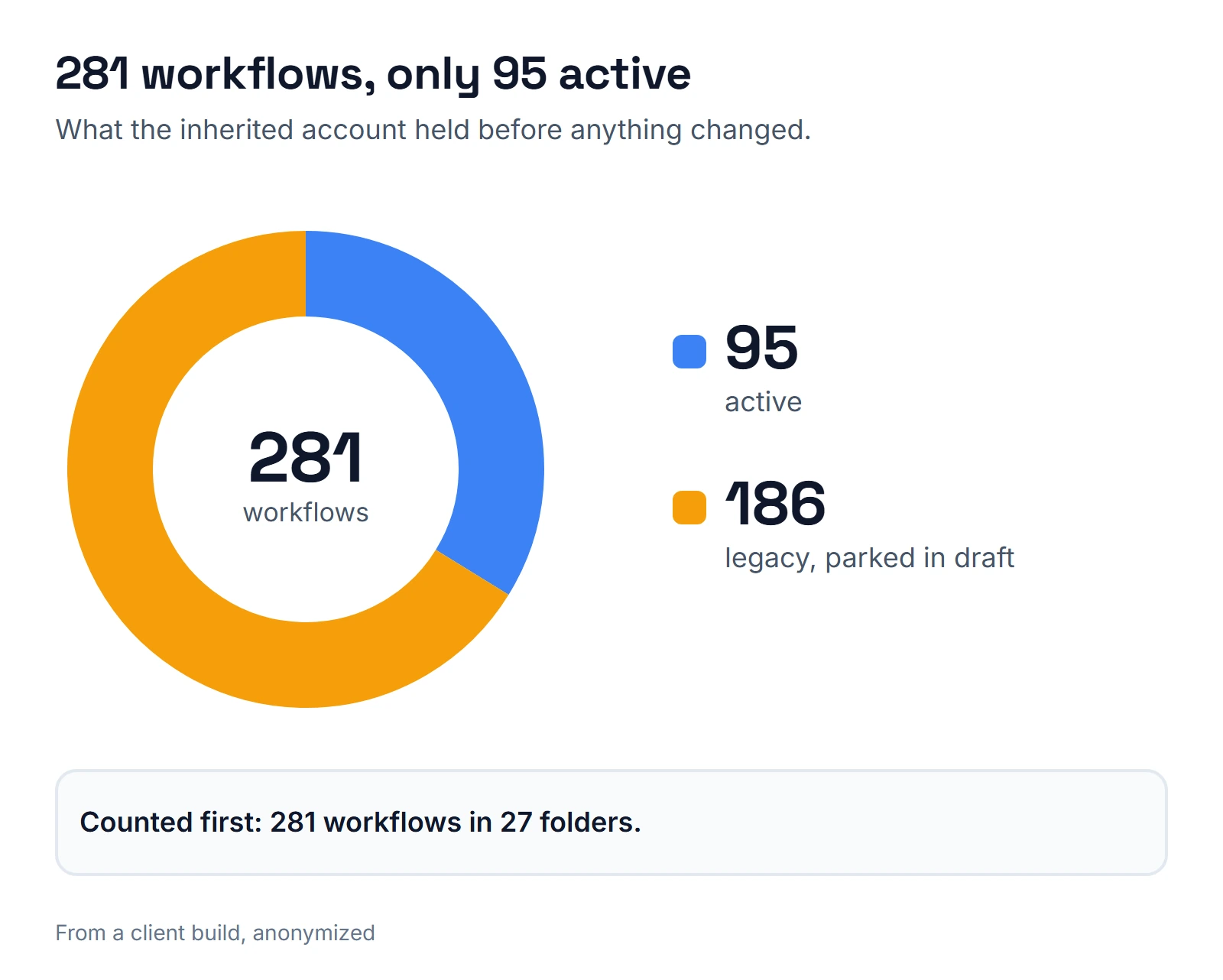
When I opened it, I found 281 workflows in 27 folders. Only 95 were active, and the other 186 legacy workflows were parked in draft.
That account is a good tour of what a CRM consultant actually does, so I'll walk through it in the order I'd do the work.
A CRM consultant maps your process to pipeline stages and fields, cleans and moves your data, builds the automations on top, and hands the system over with documentation. Databar, a data-enrichment vendor, lists freelance CRM admins at $75 to $200 an hour in its 2026 cost guide.
For whole projects, the same guide gives these mid-market ranges. They are the vendor's figures, not my prices, and they describe CRMs like HubSpot and Salesforce, not GoHighLevel. Use them only to compare quotes against.
| Engagement | Cost range | Timeline |
|---|---|---|
| Boutique consultancy project | $10K to $50K | 4 to 12 weeks |
| HubSpot partner project | $5K to $30K | 3 to 8 weeks |
| Optimization retainer | $2K to $10K per month | Monthly |
| Data prep for messy databases | $5K to $15K | Separate line item |
The guide also suggests budgeting 10 to 15 percent of the project cost per year for maintenance.
Stage 1: Count what exists
The first job is an inventory, before anyone builds anything. These are the numbers from that account:
| What I counted | Result |
|---|---|
| Workflows | 281 in 27 folders |
| Active | 95 |
| Legacy workflows in draft | 186 |
| Stage triggers filtered by pipeline and stage | 27 of 27 |
| Objection reasons driven by one dropdown field | 14 |
| Task-creating steps versus direct user assignment | 71 versus 2 |
Two findings stood out. Review requests went to everyone, while thank-you messages went only to 4-star reviews and up. There was no referral system at all. The rule I follow for reviews: filter by rating only when thanking, never when asking, because asking only happy customers is review gating.
The structure behind the counts mattered more than the counts. Stage triggers filtered by pipeline and stage, and the workflows used a wait-then-reread pattern: wait, read the contact again, then act. One dropdown field with 14 reasons drove the objection handling.
The account also leaned on tasks rather than direct user assignment, a pattern I kept: tasks over notifications.
If your consultant can't give you a table like this in the first stretch of work, they haven't looked yet. On very large accounts, ask them to count by folder, because a plain workflow listing can repeat its first page when an account has thousands of rows.
Stage 2: Decide where everything lives
Before moving a single contact, the pipeline, fields and folder structure get decided. I kept one folder per pipeline stage, with stage triggers that filter by both pipeline and stage. That structure survives handoffs because a new person can find a workflow by asking "what stage is this contact in?"
Decide the repeat-client rule here too. GoHighLevel can refuse a second opportunity for a contact in the same pipeline, even when the first one is won or abandoned. On this same brokerage, the setting that allows it switched itself off within about two hours, and a real repeat client was blocked. Ask your builder about it before the first import.
GoHighLevel also allows two folders with the same name, which I had to fix in this account. Name folders uniquely, because people and scripts both find them by name.
The same structure was later reused for life insurance, HVAC, water treatment, credit repair and investor recruitment builds.
Stage 3: Copy the old system into an archive first
I cloned the previous agency's 190 workflows into an archive folder. The check afterward was exact: 190 of 190 workflows cloned, 1,559 actions with zero differences, and 257 of 257 triggers.
Two lessons from that stage. Cloned steps that add or remove a contact from another workflow keep the source account's workflow IDs, and they fail silently. And opening and saving a migrated trigger in the editor can erase orphan IDs, which destroys the evidence of what was broken.
So scan for orphan IDs and empty conditions before anyone opens a trigger. Ask your builder what they scan for after a clone.
Stage 4: Import the contacts with routing rules
The import loaded 1,583 contacts with zero errors. It created 57 opportunities, kept 1,019 records, handled 507 as update-only, and removed 14 stray agent opportunities. Two routing rules applied: agents belong only in the referral pipeline, and nobody gets dropped into "New Lead" by default.
Routing rules are where imports go wrong. A spreadsheet can mix agents, borrowers and past clients, so decide which pipeline each type goes to before the first row loads.
Data quality matters as much as the import. On the same brokerage, only 226 of 2,032 contacts carried any ID from the brokerage's loan origination system (LOS). Any rule that depended on that ID would have missed most of the database. Check ID coverage before you build on an ID.
Stage 5: Confirm the destination before you migrate
A second move taught me the most. A portable storage company in Alabama needed its CRM in a fresh sub-account of its own. The migration brought over 239 fields, 27 custom values, 114 tags, 4 pipelines with 30 stages, 65 workflows as drafts, and 96 triggers.
The integrity scan found 3 real issues, and all three were already broken in the source account.
I also made a mistake. My first migration went into the owner's live business account instead of a new one.
Confirm the destination sub-account by name before any run. The workflows arrived as drafts, and that is where they should stay until they've been tested. Testing comes next, and how I test GoHighLevel workflows shows how I do it.
Stage 6: Add the extras once the data is clean
Only after the data was clean did I add extras for the storage company. I built custom widgets inside the CRM: a stage stepper banner on the contact, a deal card with send-proposal buttons, and SMS templates, working on two locations.
I also built a review bridge. Every 20 minutes it checks the company's storage-operations software, and when an order completes it requests a review once per customer.
Stage 7: Document it for the next person
For the brokerage I built a documentation site: 26 features, 125 components and 111 tests, all mapped. It covered the workflows, the n8n flows around them and the tests, so a new person could answer "what happens when X?" without opening the builder.
Write the documentation for whoever changes the system next. Each workflow needs a plain name, its trigger, what it changes and the test that proves it.
What I would change
- Run the orphan scan before anyone opens a migrated trigger.
- Name the destination sub-account in the migration plan, and verify it before each run.
- Settle the repeat-client rule before the first import.
- Check ID coverage in the data before building rules that depend on an ID.
- On big accounts, count workflows by folder instead of trusting one plain listing.
If you're hiring someone for this work, turn each line into a question. Ask for an inventory with counts before anything changes. Ask whether the old system goes into an archive first, what they scan for after a clone, and who confirmed the destination sub-account. Then ask what maintenance will cost each year, in writing.
For the mistakes I see most, read GoHighLevel workflow mistakes. The full account story is in the mortgage CRM audit case study, and the finished mortgage setup is in my guide to mortgage CRM.
If you plan to hire for the build itself, read about how to hire a GoHighLevel expert. If follow-up is the goal, a marketing automation consultant may be the better first hire. You can see my mortgage work on the mortgage page, or book a call from the calendar below.
About the author

Carlos Familia, CRM & AI automation expert. GoHighLevel, n8n, AI agents, servers. Full-stack developer.
I build CRM systems in GoHighLevel, n8n automations on my own servers and AI voice and chat agents for service businesses. Full-stack developer: I write the workflow, the API integration, the database and the server it runs on, and I test every build with real journeys before handoff.
Book a call with Carlos
In 30 minutes we look at how you get customers today and what to automate first. Pick a time · contact@bluemiraisystems.com