GoHighLevel Virtual Assistant vs Expert (Who Does What)
A GoHighLevel virtual assistant runs daily tasks and an expert designs and fixes the system. See a side by side table, typical costs and my pick for 3 setups.
By Carlos Familia, CRM & AI automation expert. Updated . 4 min.
The loan officers at a mortgage brokerage in Florida needed a daily call list. Each lead gets up to 33 call attempts, spaced further apart over time: daily for attempts 1 to 3, every 2 days for 4 to 8, every 3 days for 9 to 15, every 5 days for 16 to 24, every 7 days for 25 to 32, then stop.
I built the rules in n8n. A job runs at 7 am, scans open opportunities in the calling stages, sets the next call date, adds a tag and a note, and pushes the queue to a dashboard tab. It scanned 1,054 open opportunities. The calls themselves stayed the loan officers' job.
One part of that job needed an expert and the other needed people. In that build, nothing yet increased the attempts counter after a call. Someone or something has to do that, and the best builds name who.
A GoHighLevel virtual assistant runs the system day to day. A GoHighLevel expert designs, builds and fixes it. Upwork's hiring pages (checked October 14, 2026) put virtual assistants at about $10 to $20 per hour and GoHighLevel expert projects at $300 to $1,200 for a setup or cleanup. Most businesses end up needing both, with the expert first.
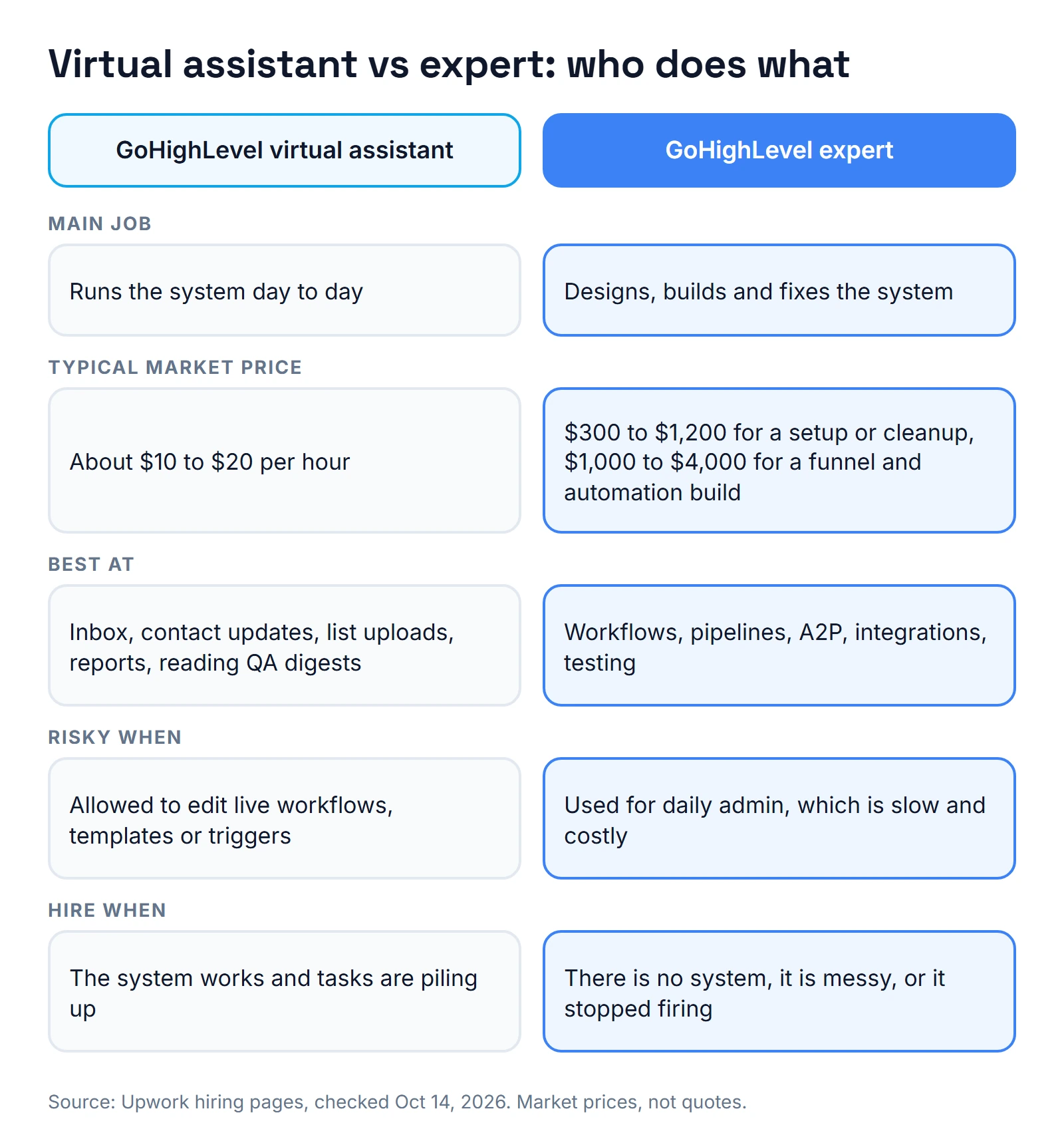
How do a virtual assistant and an expert compare side by side?
| GoHighLevel virtual assistant | GoHighLevel expert | |
|---|---|---|
| Main job | Runs the system day to day | Designs, builds and fixes the system |
| Typical market price | About $10 to $20 per hour | $300 to $1,200 for a setup or cleanup, $1,000 to $4,000 for a funnel and automation build |
| Best at | Inbox, contact updates, list uploads, reports, reading QA digests | Workflows, pipelines, A2P, integrations, testing |
| Risky when | Allowed to edit live workflows, templates or triggers | Used for daily admin, which is slow and costly |
| Hire when | The system works and tasks are piling up | There is no system, it is messy, or it stopped firing |
When should you pick a GoHighLevel virtual assistant?
Pick a virtual assistant when the system already works and the pile of daily tasks keeps growing.
- Replying to leads and booking calls by hand while the bot or workflow is off.
- Updating contacts, tags and smart lists.
- Uploading a list and sending a one-off campaign, after the expert has cleared the texting rules.
- Building the weekly lead and booking report from a template the expert made.
- Reading the daily bot conversations and flagging bad answers.
A virtual assistant would be a good fit for the Florida call queue above. They could log each attempt, check the dashboard tab and tell the expert when a rule looks wrong.
Give the assistant a user seat with limited permissions. That matches Upwork's own advice for GoHighLevel projects: share access only to the systems the work requires. The assistant does not need the owner login to do any task on this list.
When should you pick a GoHighLevel expert?
Pick an expert when the work changes how the system behaves. A few of my own builds show why that line matters.
- Editing a saved email template changes every published workflow that uses it. A typo fix is not a small change.
- Deleting steps while contacts wait on them ended those enrollments within seconds when I rebuilt a workflow.
- Publishing switches a workflow's triggers back on, even ones saved as inactive.
- A2P registration needs legal paperwork and carrier rules, not daily admin.
- Connecting other tools is design work. A mortgage bridge I replaced was six Zaps whose filters quietly discarded 9 records in 7 days.
The silent failures behind these are listed in GoHighLevel workflow mistakes. For how to vet the person who fixes them, see my checklist for hiring a GoHighLevel expert. For what they cost, read how much a GoHighLevel expert costs.
What do I pick in three common situations?
1. A new account with nothing built. Hire the expert first. A virtual assistant hired first has nothing to run and ends up improvising workflows without test logs. If you need freelancers for the build, my guide to a GoHighLevel freelancer shows how to post the job.
2. A working system and a growing pile of daily tasks. Hire the virtual assistant, and ask the expert for a handoff pack. It needs four things:
- A folder map with what each workflow does.
- A short written procedure for each recurring task.
- A do-not-touch list: live workflows, saved templates and triggers.
- A test contact and one rule: test before you publish.
3. Chat bots that are live. Hire both. A marketing agency I worked with runs nine client chat bots. A quality digest posts three times a day to Slack, split into good, bad and proposal.
People vote with reactions to feed an improvement queue, and the agency owner can add or remove live knowledge rules without a redeploy.
A person can read the digest and vote. It took engineering to find out why the digest silently skipped one client: its log columns were different.
The first job suits a virtual assistant. The second suits an expert. I explain how I verify changes in how I test GoHighLevel workflows.
About the author

Carlos Familia, CRM & AI automation expert. GoHighLevel, n8n, AI agents, servers. Full-stack developer.
I build CRM systems in GoHighLevel, n8n automations on my own servers and AI voice and chat agents for service businesses. Full-stack developer: I write the workflow, the API integration, the database and the server it runs on, and I test every build with real journeys before handoff.
Book a call with Carlos
In 30 minutes we look at how you get customers today and what to automate first. Pick a time · contact@bluemiraisystems.com